From idea to on air.
In five steps.
No broadcast knowledge needed. Neurix Live fills in every answer, so you can press Next all the way and still have a full show.
- STEP 01
Make your show in two minutes.
Tell Neurix Live what kind of show it is, your name and where you stream, and pick a look. Your graphics, ticker and lineup are made at once, filled in with your details.
- Six kinds of show to start from: talk, gaming, news, sports, teaching, faith and events
- A brand kit with your name, handles, colours, logo and fonts, typed once
- Every graphic in a 16:9 and a 9:16 version, in English or Arabic
- Four starter clips made for you: an opening, a holding loop, a bumper and a closing
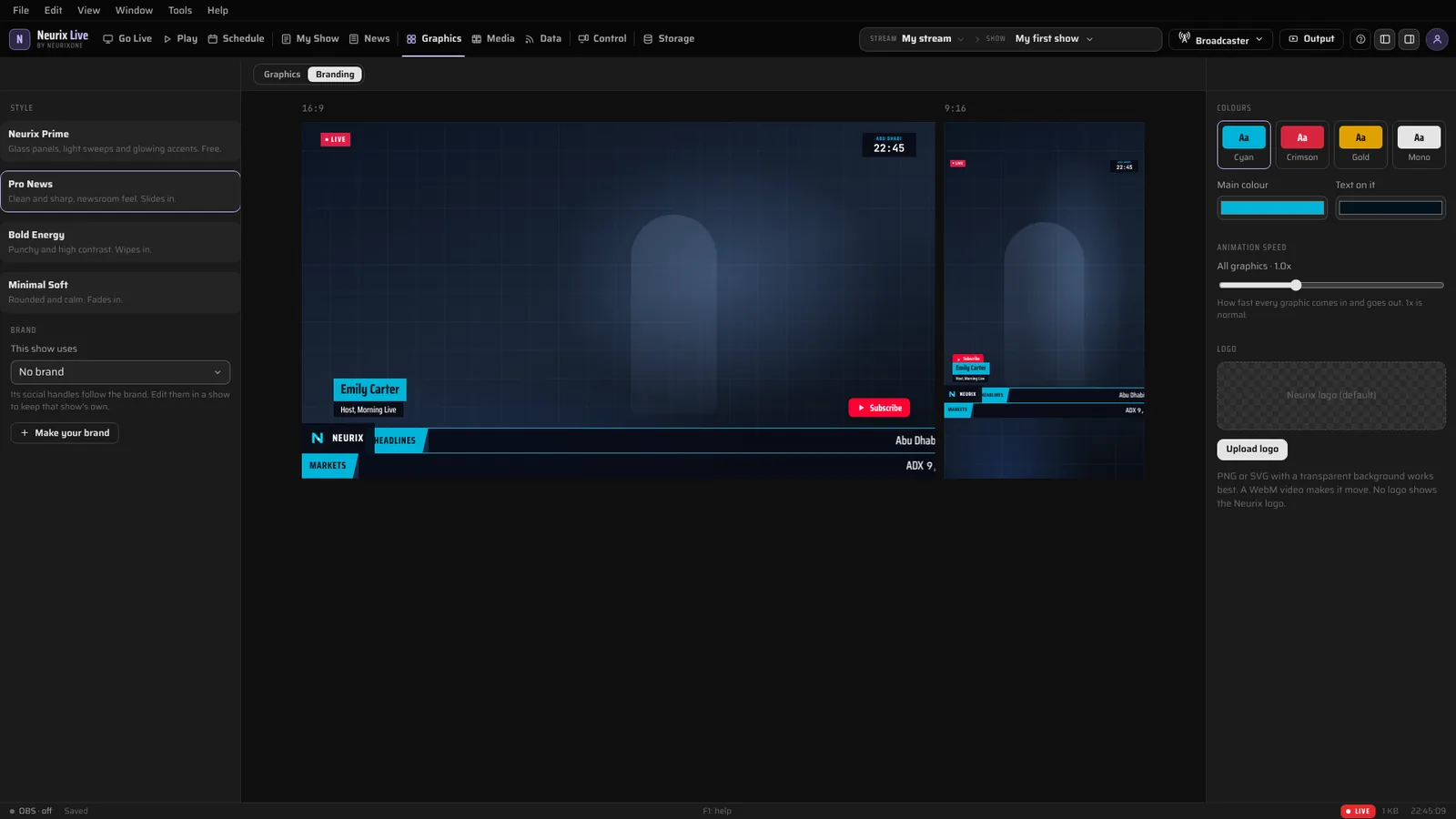
Your look on the wide and tall screens - STEP 02
Plan what you will say.
Your lineup lists every part of the show with its minutes and notes. Add a story, write a line for the ticker, and pick the graphics that go with it.
- Stories with their minutes, notes and graphics, and a running total
- Ticker lines in groups that play in order and repeat
- Data from Google Sheets, Excel, CSV, JSON, XML or RSS fills graphics by itself
- Guests’ name straps made in the story they belong to
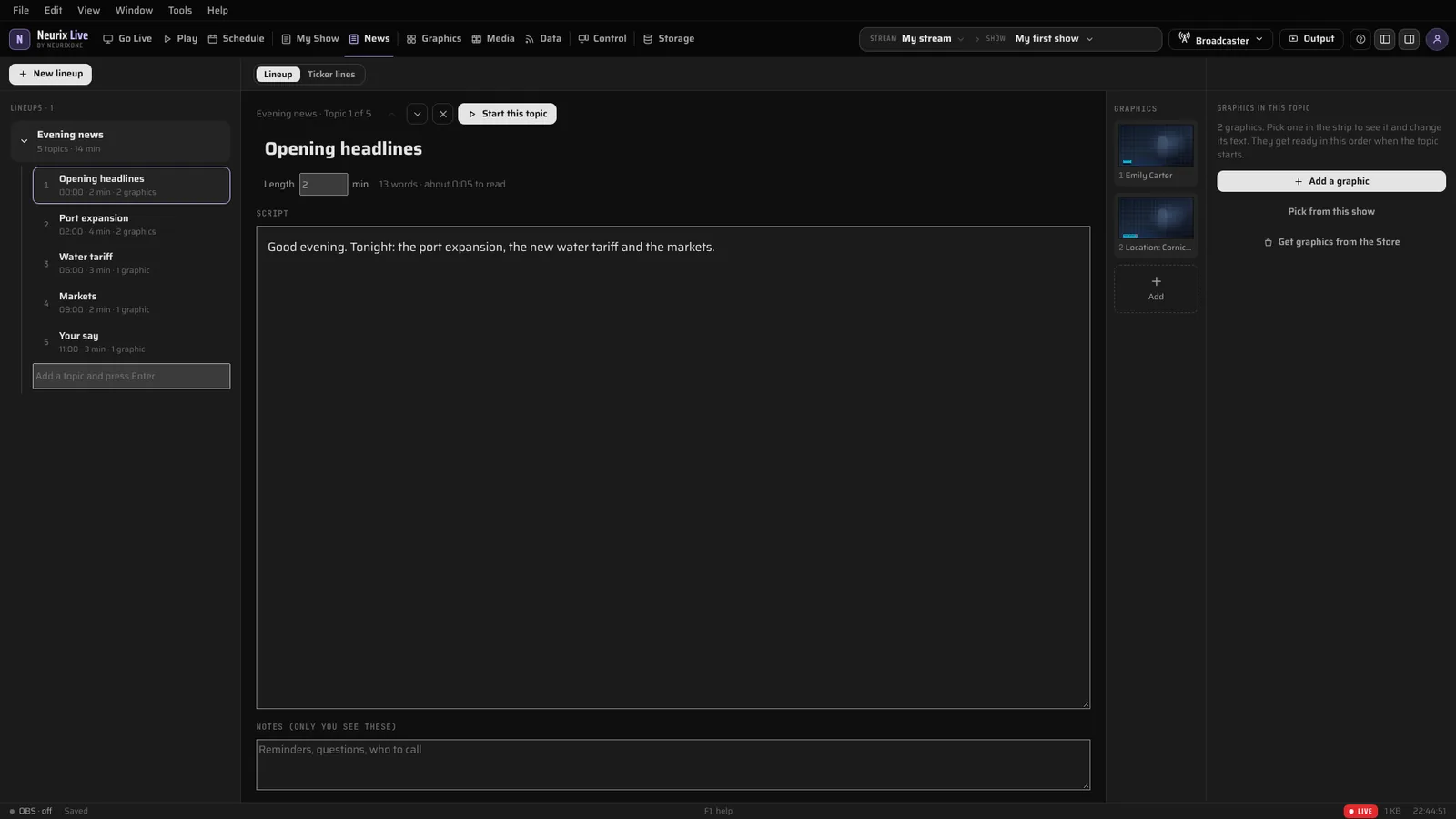
The lineup, part by part - STEP 03
Connect where you stream.
One click adds your screens to OBS. Or go live from Neurix Live itself, straight to YouTube and other places.
- OBS set up in one click, one Browser source per screen
- Or straight to YouTube, TikTok, Facebook, Twitch and any RTMP or RTMPS address
- Each screen given its platform, with graphics kept clear of its buttons
- Guests invited by link: no install, no account, a camera and microphone check
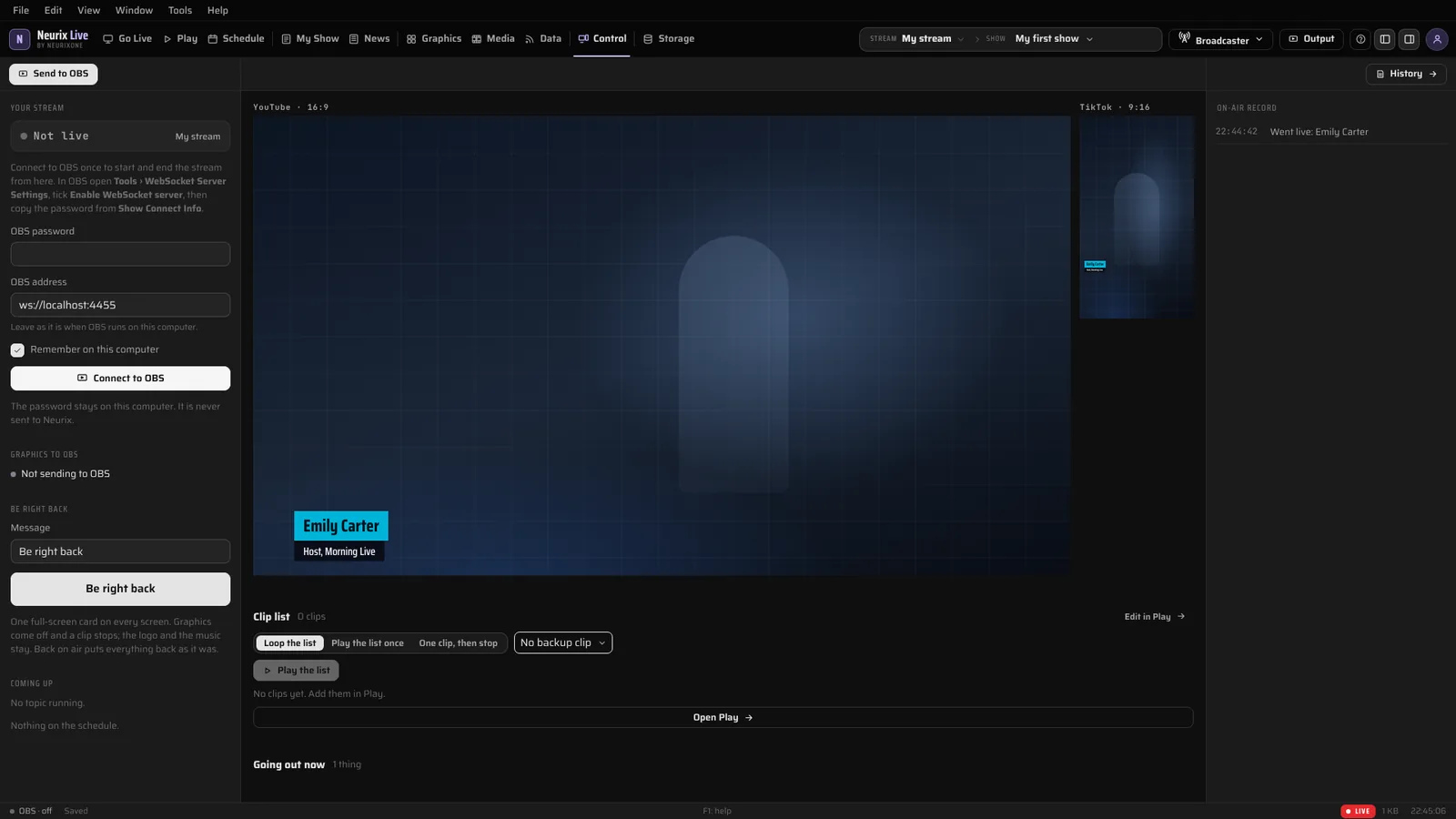
One click to OBS - STEP 04
Go live and press play.
Press a graphic and it plays on air. Change its words while it is on and it updates smoothly. The ticker runs by itself.
- What is next above, what is on air below: nothing goes out until you press
- Graphics change shape on air instead of cutting (Transition Logic)
- Guests brought from the green room into layouts that animate
- Viewer comments from YouTube and Twitch put on screen with one press
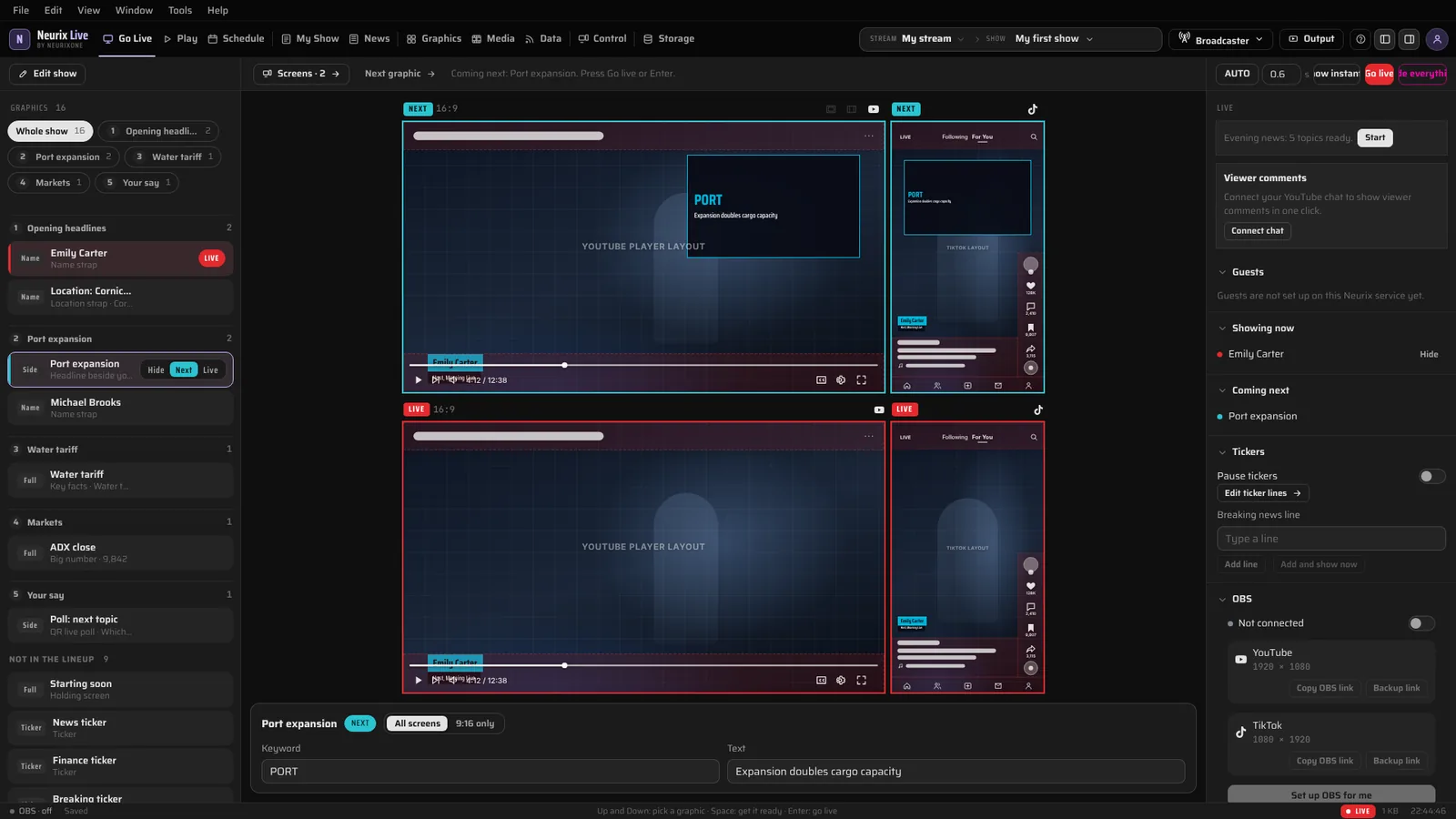
What is next, and what is on air - STEP 05
Let it run.
Clips and breaks play from one playlist, shows start on time from the schedule, and live numbers update by themselves.
- Clips play with graphics on each one, and sound is measured to EBU R128
- Schedule starts each show on time, even with the page closed (Agency and Broadcaster)
- Master control watches every stream, with alarms (Broadcaster)
- History of everything on air, downloadable as CSV
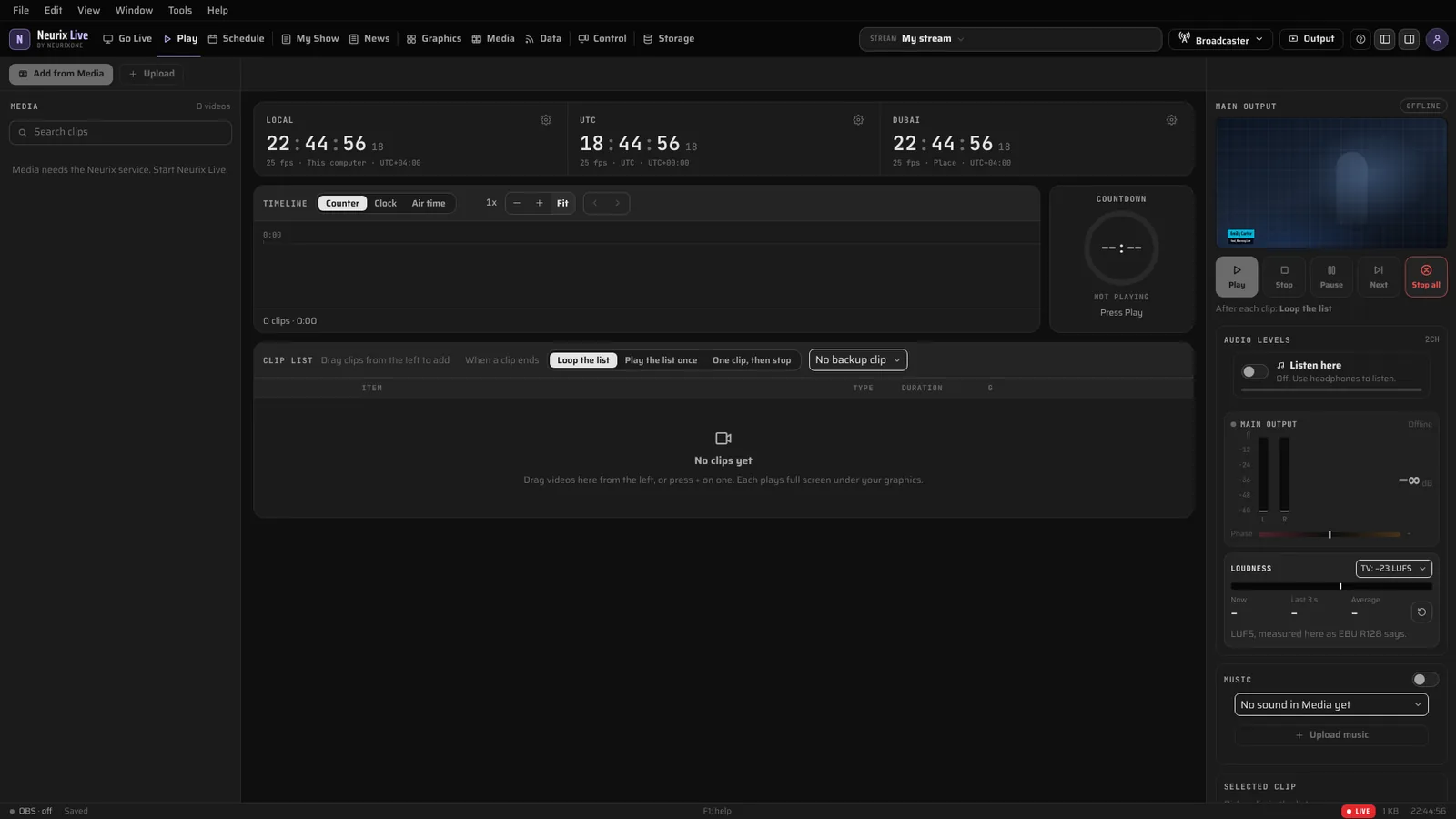
Playout and clocks
Good to know.
Do I need to know how television works?
No. Neurix Live uses plain words and fills in every answer for you. If you can make a slide, you can run a show.
Do I need OBS?
No. OBS is free streaming software many creators already use, and Neurix Live sets it up in one click. You can also go live from Neurix Live itself.
What do I need to start?
A computer with an up-to-date browser and an internet connection. A camera and a microphone if you want to be on screen.
Can my show be in Arabic?
Yes, the graphics. Each show can use English or Arabic words on screen. Neurix Live’s own screens are in English.
How do I join?
Request an invitation and tell us about your show. We send it when your place is ready.
Your next show
starts here.
Request an invitation to Neurix Live.